
Insights For Okanagan Teams
Office Internet Installation in BC: A Practical Checklist
A practical checklist for BC office internet installations: demarc planning, cabling, power, Wi-Fi surveys, VLAN/QoS, and go-live testing.
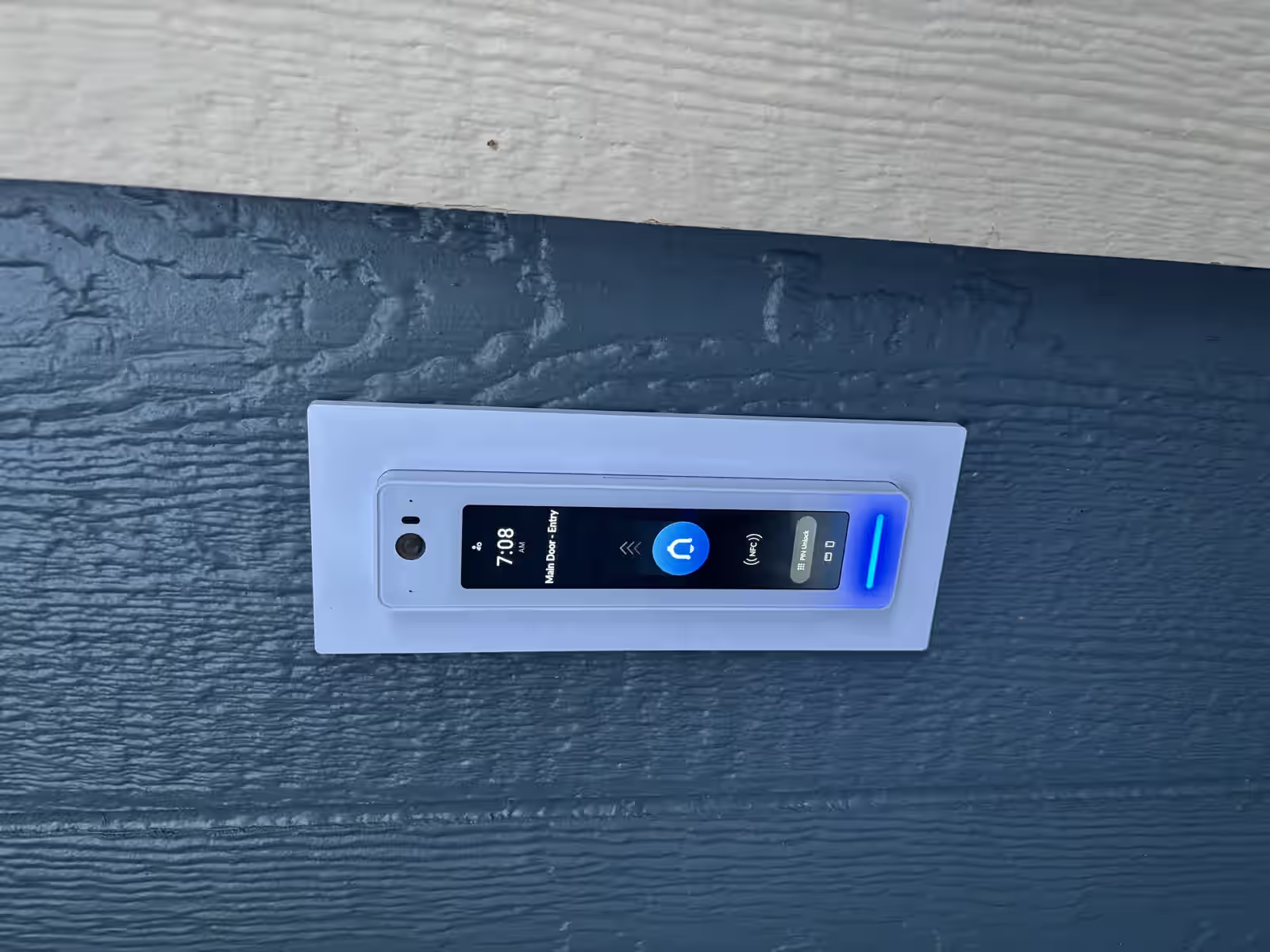
If your team is planning an office move, expansion, or new build, this checklist helps you avoid preventable delays during internet activation and network handoff.
Use it with our Business Internet in Kelowna and Wireless Network Installation solution pages.
For service-first scoping, also review telecommunications in Kelowna, telecommunications in Nanaimo, business Wi-Fi & internet services, and structured cabling.
1) Demarc location and provider handoff
- Confirm where the carrier handoff will physically terminate.
- Validate pathway access from demarc to your rack or network closet.
- Ensure the handoff type and connector standards match your firewall uplink plan.
2) Cabling and rack readiness
- Verify structured cabling is labeled and tested.
- Confirm rack space for firewall, switches, patch panels, and cable management.
- Stage patching plans so cutover day does not rely on guesswork.
For in-building prep, reference Network Cabling and Office Network Solutions.
3) Power, UPS, and physical environment
- Confirm dedicated power for core network equipment.
- Add UPS protection for firewall, switching, and critical wireless gear.
- Validate cooling and physical access controls in network rooms.
4) Wireless survey and access point plan
- Run predictive and onsite surveys before final AP placement.
- Define separate SSIDs for staff, operations, and guests.
- Confirm roaming behavior in high-use work areas and meeting rooms.
Wireless network installation services: survey and deployment checks
- Confirm mounting, power, and weather exposure requirements for outdoor APs.
- Validate line-of-sight assumptions for multi-building links before final placement.
- Document expected handoff points between wireless backhaul and internal switching.
5) VLAN segmentation and QoS for voice and operations
- Separate voice, data, guest, and IoT traffic.
- Apply QoS to prioritize real-time voice traffic.
- Review firewall policy and inter-VLAN access rules before go-live.
If voice quality is a concern, use Bad VoIP Call Quality? The Network Checklist That Usually Fixes It.
6) Cutover and testing sequence
- Run failover and primary-circuit tests.
- Validate DNS, DHCP, routing, and internet egress.
- Confirm VoIP call handling, outbound/inbound calls, and voicemail delivery.
- Validate surveillance camera remote access and recording continuity where applicable.
7) Post-install documentation and support
- Keep diagrams for demarc, WAN handoff, firewall, and switch topology.
- Record provider ticket/escalation paths and account details.
- Assign ownership for changes, incident response, and maintenance windows.
Quick launch checklist
- Demarc confirmed and accessible.
- Rack and patching prepared.
- UPS and power validated.
- Wireless survey complete.
- VLAN/QoS implemented.
- Testing script executed and documented.
Need help managing install coordination and handoff? Book a walk-through.
Next Steps For Kelowna Businesses
Ready for a business walkthrough? Let’s scope your telecom, internet, Wi-Fi, and cabling work with a local commercial team.