
Insights For Okanagan Teams
Strata Building Wi-Fi Checklist for Councils and Property Managers
A practical strata Wi-Fi checklist for councils and property managers covering common areas, segmentation, provider handoff, and building-network ownership.
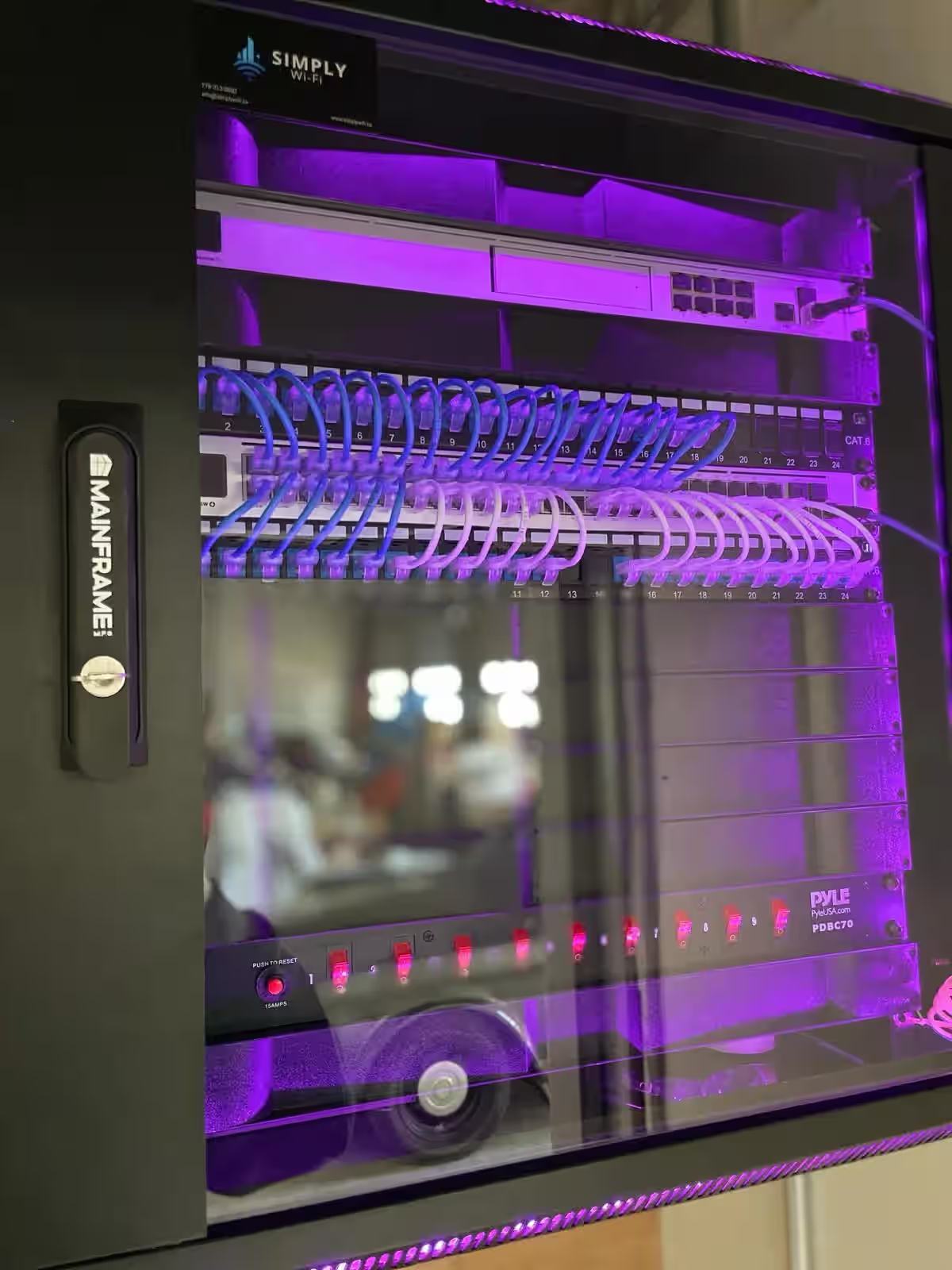
Strata Wi-Fi projects usually fail at the handoff points. The building may have internet into the telecom room, but common areas still have weak coverage, cameras share the wrong network, and nobody is sure who owns changes after go-live.
This checklist is for councils, strata managers, and building operators planning managed building Wi-Fi for common property. It is not an in-suite residential support guide.
If your project includes provider coordination as well as wireless design, keep multi-tenant internet management open alongside this checklist.
1) Define which spaces the building network actually needs to cover
- Lobbies
- Amenity rooms
- Gyms
- Rooftops or patios
- Caretaker or management offices
- Parkades or service areas where connected systems are expected
Separate the spaces the strata manages from anything that belongs to private suites. That decision affects segmentation, support expectations, and change ownership later.
2) Decide whether the network is for common areas only or includes managed tenant access
Some stratas only need Wi-Fi for staff, vendors, and common areas. Others also want managed tenant-facing or guest-facing access in amenities or shared work areas.
Document that decision before design starts. A building that mixes those goals without clear boundaries usually ends up with avoidable support noise.
3) Review provider handoff, demarc, and rack readiness
Before new access points are installed, confirm:
- Where the provider handoff lands
- Whether rack space is available
- Whether switching and patching are labeled
- Whether there is a clean path from the handoff to common-area equipment
If this part is still unclear, review office network solutions and structured cabling before deployment day.
4) Separate Wi-Fi, cameras, intercom, and access-control traffic
Strata buildings rarely stop at Wi-Fi. Common-area networks often end up supporting:
- Cameras
- Door entry
- Fob access
- Elevator or gate controllers
- Staff admin devices
Keep those systems on deliberate network boundaries. If cameras and guest traffic share the same path by default, the network becomes harder to support and harder to change safely.
5) Document governance and change requests
Before go-live, define:
- Who approves changes
- Who receives network documentation
- Which vendors can request access
- How adds, moves, and decommissions are handled
This matters more in stratas than in a single-tenant office because the operating team changes over time. Future managers should not have to rediscover how the building works.
6) Confirm support expectations after install
Ask who owns:
- Provider coordination
- Firewall and switching
- Access point management
- Credential storage
- Escalation when a building system depends on the network
This is the line between a working building network and a pile of handoff confusion.
7) Link the project to the right service pages
Use these pages when the project moves from planning into execution:
- Managed building Wi-Fi for stratas and multi-tenant properties
- Strata Wi-Fi and managed building internet
- Wireless network installation
- Office network solutions
Final review
If your strata project needs one accountable team for carrier handoff, common-area Wi-Fi, segmentation, and ongoing network changes, start with a walkthrough before more hardware is added to the building.
Next Steps For Kelowna Businesses
Ready for a business walkthrough? Let’s scope your telecom, internet, Wi-Fi, and cabling work with a local commercial team.