
Insights For Okanagan Teams
Migrating from Hosted VoIP with Less Downtime
Step-by-step plan to move from a hosted phone system into a locally managed VoIP platform without missed calls.
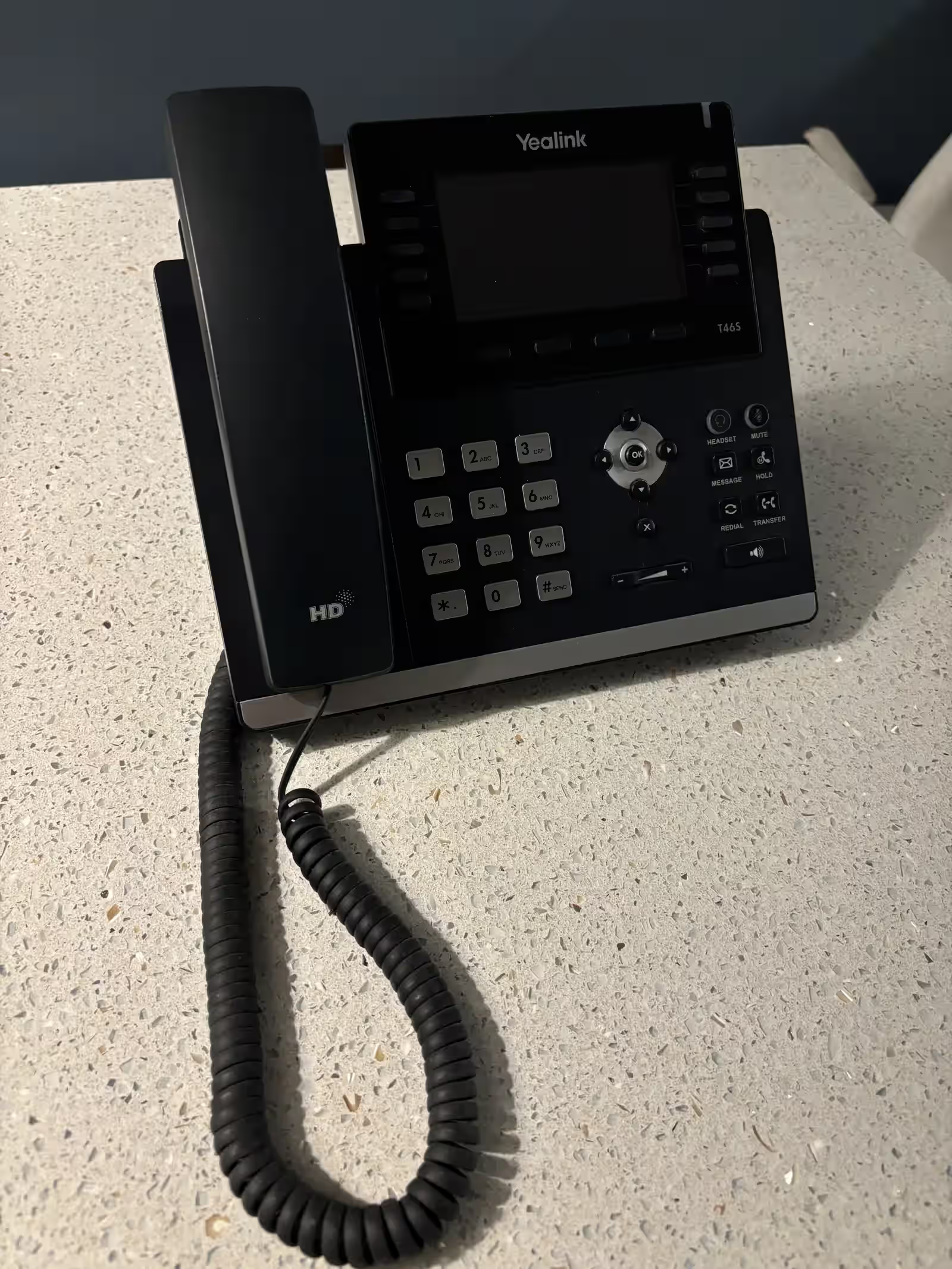
Plenty of Okanagan businesses started their VoIP journey with a bundled hosted phone platform. It’s convenient, especially when packaged with internet. But as call volumes grow and support wait times stretch, many teams look for local control. Here’s the migration playbook we use to move clinics, contractors, and hospitality groups off a hosted system with nearly zero downtime.
TL;DR
- Export every auto-attendant, call queue, and user setting before making changes.
- Stage a new hosted PBX in parallel; forward main numbers to it while you test.
- Coordinate porting windows, update CNAM, and verify 911 data.
- Train staff before the cutover and keep local technicians onsite during go-live.
- Use LTE or fibre failover plus QoS to keep calls clear through network hiccups.
Step 1: Audit the existing setup
Document your hosted phone environment:
- User list with extensions, direct lines, and devices.
- Auto-attendant trees and time-of-day routing.
- Hunt groups, paging, fax numbers, and call recording.
- Integrations (Teams, Salesforce, call recording).
Export the config where possible; take screenshots of menus. This becomes your build checklist. Tie this audit into the planning process outlined in our VoIP migration case study to catch hidden call flow gaps.
Step 2: Design the target platform
Choose your destination: a locally managed hosted PBX, VoIP.ms, or another carrier. Build it in a lab environment first.
- Map extensions to roles; reserve headroom for future hires.
- Recreate auto-attendants with bilingual prompts.
- Configure call queues with proper overflow logic.
- Set up voicemail-to-email, call recording retention, and analytics dashboards.
At Simply Telecom we stage everything on a separate tenant, including Yealink or Grandstream phones. Our VoIP phone system deployments keep provisioning local, and we reference handset guidance from our hardware comparison to match devices with roles.
Step 3: Prepare the network
Hosted voice often runs over unmanaged LANs. Before migrating:
- Segment voice traffic on its own VLAN.
- Apply QoS to prioritise SIP and RTP packets.
- Deploy LTE or a second fibre circuit for failover.
- Confirm PoE capacity for new handsets and paging gear.
If you’re linking multiple buildings, verify your fibre backbone and IGMP configuration using the steps in our multicast design guide.
Step 4: Stage phones and soft clients
- Provision handsets with unique credentials, HTTPS provisioning, and labelled extensions.
- Configure softphone apps (desktop, mobile) with MFA.
- Load contact directories and speed dials.
- Test intercom, paging, and door phones.
We run a “desk check” session where every user logs into the new system, makes calls, and tests voicemail before cutover day.
Step 5: Forward main numbers
A week before porting, forward main numbers to the new PBX. This parallel run exposes any routing quirks while the current carrier still owns the numbers.
- Update IVR prompts to inform callers of upcoming upgrades.
- Monitor call quality, queue wait times, and voicemail routing.
- Adjust auto-attendants as feedback arrives.
Step 6: Porting day sequence
- Schedule the port for early morning (we like 7:30 a.m.).
- Confirm the current carrier will release numbers and that losing carrier contacts are on standby.
- Have local technicians onsite to plug in handsets, adjust headsets, and reassure staff.
- Update CNAM and E911 addresses immediately after the port completes.
- Run test calls for every DID, queue, and fax line.
Total downtime typically falls under 10 minutes, often less if the port completes cleanly.
Step 7: Post-cutover checklist
- Update voicemail greetings, schedules, and holiday prompts.
- Sync Teams or CRM integrations.
- Monitor MOS and jitter dashboards for the first week.
- Decommission legacy hardware (ATA units, old PoE injectors).
- Cancel legacy services after verifying port completion and call routing.
Communication best practices
- Staff updates: Send timelines and training guides a week in advance.
- Customers: Email key clients about the upgrade; share direct lines if main queue is busy.
- Vendors: Notify alarm companies, answering services, or payment processors of new numbers if required.
Common pitfalls to avoid
- Porting fax numbers without confirming analog line dependencies.
- Forgetting to export call recordings or voicemails before shutting down the old platform.
- Ignoring 911 address updates—critical for compliance.
- Skipping user training; even simple handset differences can create frustration.
When to stick with a hosted platform
If your business has a small number of lines, simple call flows, and no need for advanced analytics, a basic hosted plan might still be a fit. Evaluate support responsiveness and feature alignment before committing to a migration.
Planning a hosted VoIP exit?
We’ll map your current environment, stage a parallel PBX, and handle the porting paperwork so you cut over with confidence.
Final thoughts
Moving off a hosted phone platform isn’t about abandoning fibre connectivity. It’s about owning your call flows, support process, and analytics. With a staged plan, you can upgrade features and give staff a smoother experience—all without missed calls.
Next Steps For Kelowna Businesses
Ready for a business walkthrough? Let’s scope your telecom, internet, Wi-Fi, and cabling work with a local commercial team.